How to open Samsung's Air Command without the S-Pen?
Minggu, 19 Januari 2014
0
komentar
Don't expect any customizable professional-made app, it's just a smart tool with one purpose - it lets you to open the Air command without the S-pen.
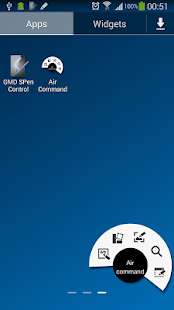
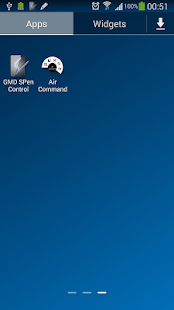
This app does not require root access - only thing you need to have is a device that has the air command - such as Galaxy Note 3.

TERIMA KASIH ATAS KUNJUNGAN SAUDARA
Judul: How to open Samsung's Air Command without the S-Pen?
Ditulis oleh Unknown
Rating Blog 5 dari 5
Semoga artikel ini bermanfaat bagi saudara. Jika ingin mengutip, baik itu sebagian atau keseluruhan dari isi artikel ini harap menyertakan link dofollow ke https://androidgingerbreads.blogspot.com/2014/01/how-to-open-samsung-air-command-without.html. Terima kasih sudah singgah membaca artikel ini.Ditulis oleh Unknown
Rating Blog 5 dari 5
Categories:
GalaxyNote3,
useful tools,
walkthrough


0 komentar:
Posting Komentar